Did you know that in Blender 5.1 you can (finally!) control EEVEE ray tracing intensity? In this video, we take a look at this small but powerful feature – brought to us by Trita Norousi and Clément Foucault – and why it’s basically a shortcut to better-looking EEVEE renders. If you’ve ever struggled with weak global illumination in EEVEE – well, you’re in for a treat.
Discover how to manipulate indirect lighting bounces within Blender’s EEVEE engine (in 5.1+). This tutorial showcases new tools for controlling global illumination intensity to enhance realism in real-time scenes.
Here’s the old workaround (which is still pretty cool) – if you want to check it out.
—
Links:
EEVEE: Add light path intensity controls #153340 (Blender developer forum)
🔗 Download the Pizza Delivery scene by Lino Thomas (for Cycles)
EEVEE Realistic Lighting and Rendering course
Complete Lighting Courses Bundle
—
You May Also Like:
How to Light 3D Portraits in Blender (Photographic Lighting Techniques)
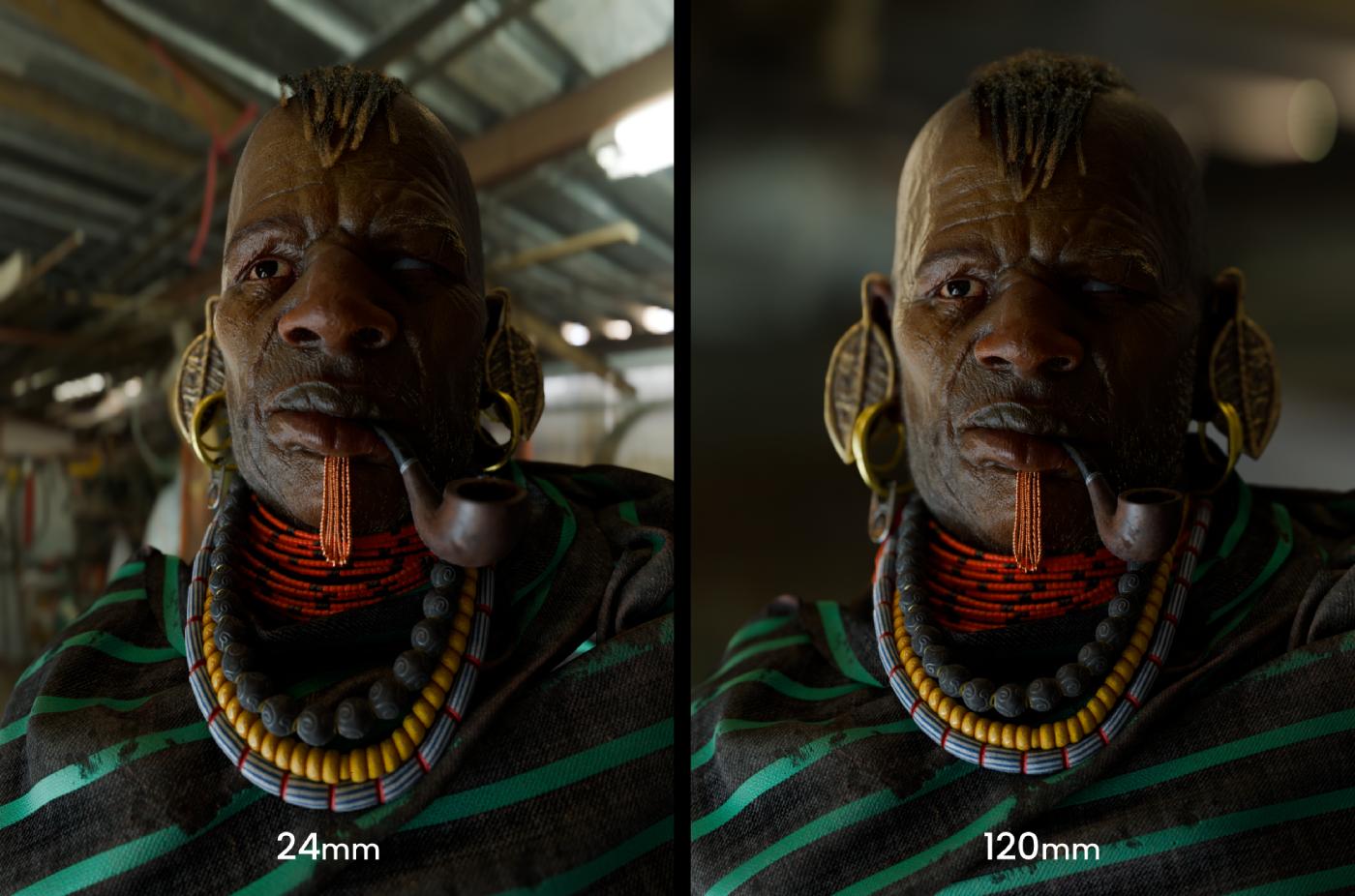
In this tutorial (video and article) we’ll look at a mix of practical Blender techniques and timeless lighting principles used in cinematic character lighting – things like light direction, falloff, focal length and how to use HDRIs effectively.
Reading time: 15 minutes
Video length: 24 minutes