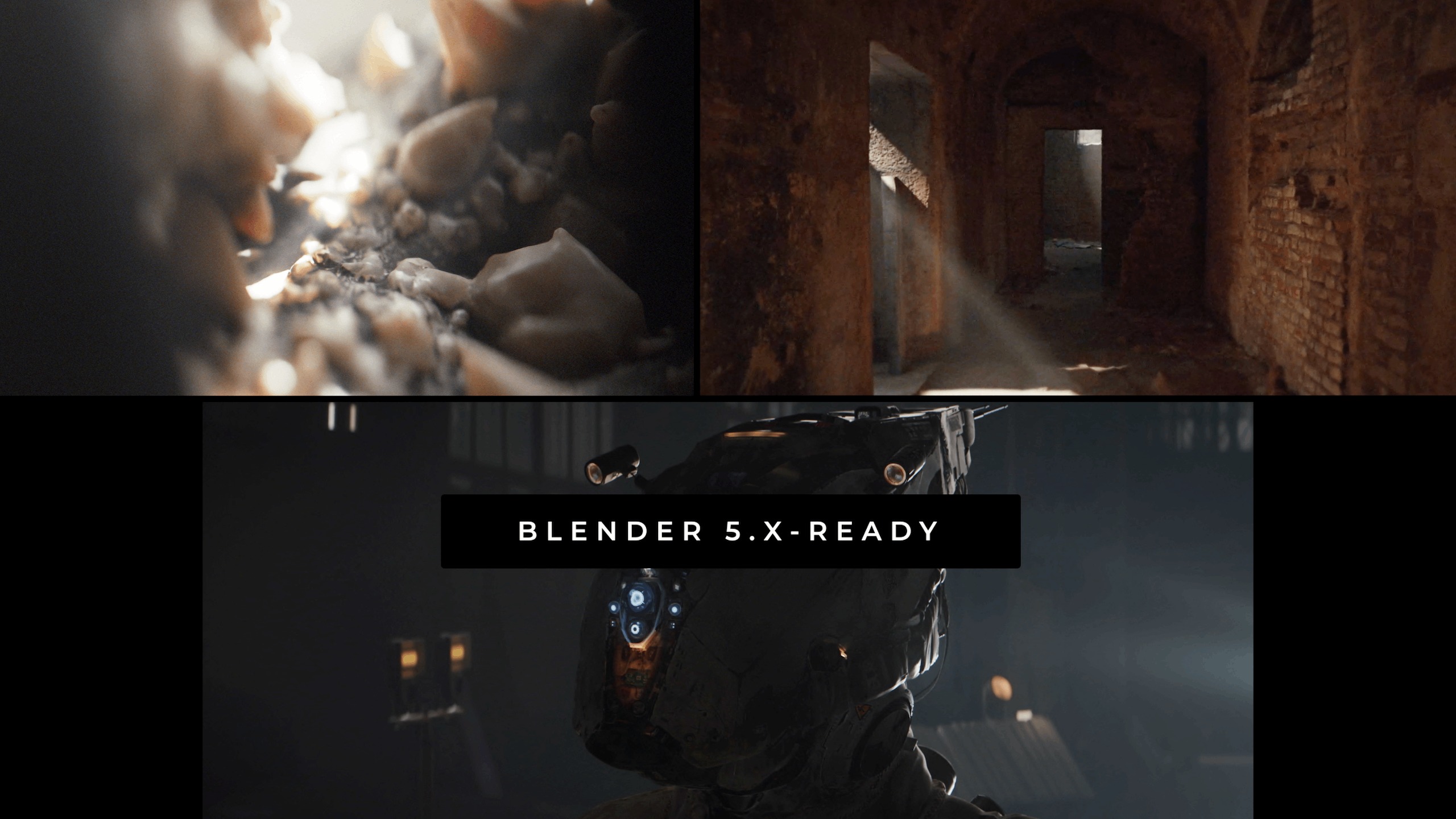
Level-up your lighting skills by watching our foundational course – now Updated and Remastered for Blender 5.x.
Cinematic Lighting Remastered on Superhive
Cinematic Lighting Remastered on Gumroad
—
What’s New in Remastered?
Here’s a changelog for the updated Cinematic Lighting (v 1.3, 2026).
TLDR:
- Our foundational lighting course – updated and remastered for Blender 5.x (course version 1.3)
- Free update for existing users
- Over 2 hours of brand-new content: Sea Shore (Cinematic Outdoor Lighting)
- Many hours re-recorded from scratch
- Completely remade Post-production Essentials and Monastery Dungeon chapters
- Blender 5.x-related inserts into original videos from Minerals, Robo and other chapters
- Updated Project Files (for Blender 5.0 and higher)
- More lighting theory
- Improved flow and user experience.
Worth re-downloading and re-watching (especially the new and reworked chapters), even if you’ve watched the original one.

Full changelog (v 1.3):
- The videos, especially from the Minerals and Robo chapters are supplemented with the Blender
5.x inserts dealing with the changed / new features like Light Source Temperature and so on. The
inserts are seamlessly integrated into the videos – re-rendered and subtitled anew. - The folder structure is optimized. New, clearer naming conventions.
- Improvements to the overall flow of the course.
The Light Groups section was moved from the Robo chapter to Bonuses – to make the learning
experience more streamlined, e.g. moving from the Robo character lighting straight to the new
Monastery Dungeon chapter. - An improved cross-referencing of tutorials (from within other tutorials).
- More theory and lighting foundations peppered around the videos.
- Note: No DLSS denoising for Cycles mentioned yet – waiting for this feature to mature and the
NVidia licensing issues sorted out. Will be covered in a separate video.
Videos Info
Intro
- A new introduction video (v 1.3)
Minerals
- Minerals: new explainer of Cycles vs Eevee differences.
- Minerals: a reworked section on the Principled BSDF material properties in the context of
lighting (“Lighting and Materials”). - Minerals: the Subsurface Scattering update. The fix to the .blend file in the project files.
- The new view transforms comparison (ACES, Khronos etc).
- A new anisotropy explainer
- Animated Dust Particles mention
Post-processing Essentials (Chapter 01b) – Re-recorded from scratch
- New content: +1h02min
- A new, Blender 5.x-based workflow for post-processing in the compositor and the color
management panels. - A mini-collection of EXRs for practicing color correction
Robo
- Light Ratios section expanded. How to measure light ratios (15:1, 2:1 and so on) sampling the
pixel intensity. - Beam shape spread extra
- Light linking mention
- Light temperature 5.x
- A minor update to the volume section
- Animated particles mention
- View Transforms comparison
- IMPORTANT: The entire Light Groups section moved to a new BONUS folder.
Monastery Dungeon – Environment Lighting in Eevee
- New content: +1h10min
- Completely remade for Blender 5.x and supplemented with the extended theory parts and new
techniques for illuminating enclosed spaces. - New theory: radial and linear falloff; room as an inverted sphere;
- Real-time rendering primer
Warehouse – Environment Lighting in Cycles
- Flat vs Cinematic lighting in enclosed spaces – explainer
- View transforms comparison
- Volume: density and anisotropy
- New post-pro nodes (Tune Image in 5.x and more) and color management settings update
Night Lighting extension
- Minor tweaks (pretty much no significant changes)
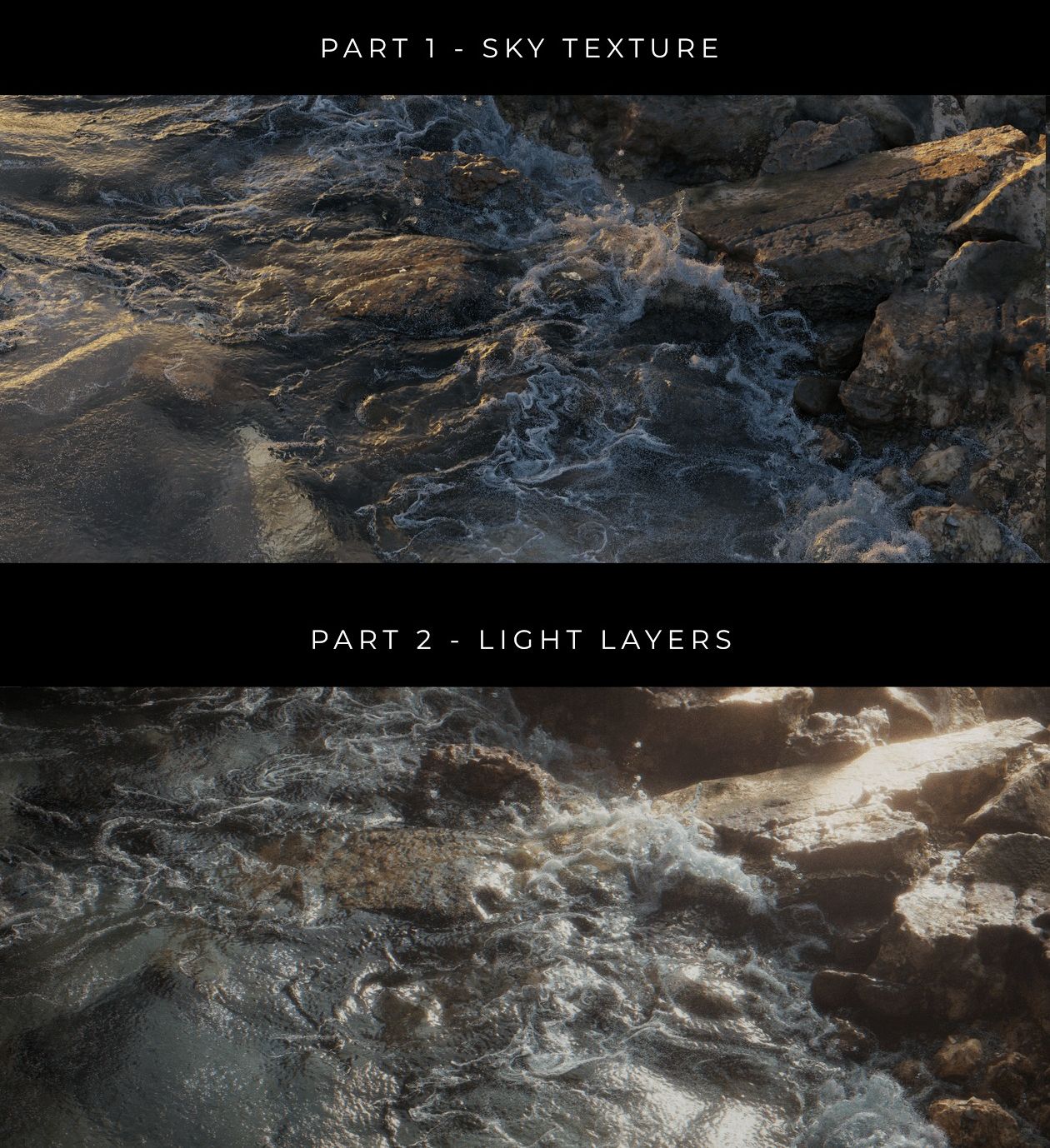
Sea Shore – Cinematic Outdoor Lighting – a brand new chapter
- New content: +1h22min
- Learn the impactful outdoor lighting workflows which use the built-in Sky Texture – Multiple
Scattering – and a custom-built multilayer lighting setup. - The project files: Alembic-baked fluid sim (FLIP Fluids); 1 and 48 frames; no add-ons required.
- The extended baked animation is available via Google Drive

- Added references to the EEVEE Realistic Lighting and Rendering course for context.
- A new folder, YOUTUBE. Some of our relevant lighting tutorials from YouTube are now bundled in. Included is a video on navigating the course content by searching in the subtitle files.
- A new folder: BONUS. The Light Groups section has been moved to BONUS.
- All project files put up to date and prepared for Blender 5.0 and higher.
- New subtitles (En) generated and manually edited for all videos.
- Changes to the product pages on Superhive and Gumroad.
- Updated total duration (13+ hours, up from 9+).
- An updated ‘x- BONUS 02 MISC -x’ folder – extra images and videos
- A new ‘xx START HERE 2026 xx’ folder
- The full changelog written.